


Why AI Won't Replace Your Excel Skills (But These 5 Tricks Will Transform Them)
- Andrew Craddock
- Dec 17, 2025
- 5 min read

Are you losing sleep over headlines screaming that AI will make your Excel expertise obsolete? Do you find yourself questioning whether those years mastering VLOOKUP, pivot tables, and complex formulas were all for nothing? Take a deep breath – you're not alone in these concerns, and here's some reassuring news: your Excel skills aren't going anywhere.
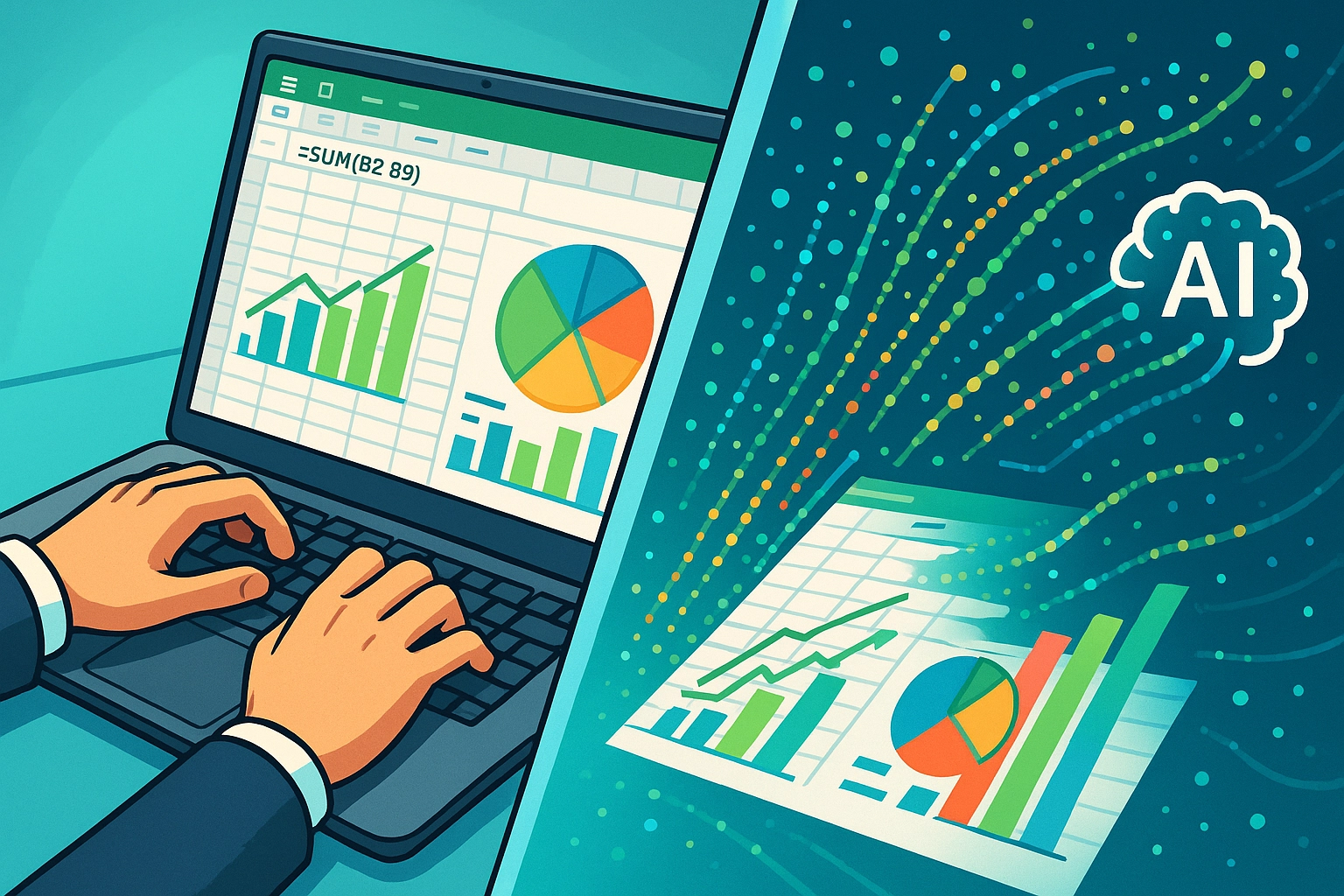
In fact, the combination of AI and Excel expertise is about to become your secret weapon in the modern workplace. While AI transforms how we work with data, Excel remains the bedrock of business operations worldwide. The key isn't choosing between AI and Excel – it's understanding how to make them work together brilliantly.
Why Your Excel Skills Are Future-Proof
Excel's Unshakeable Foundation in Business
Let's address the elephant in the room: Excel isn't just software; it's the backbone of global business operations. From Fortune 500 companies to local startups, Excel handles everything from budget planning to inventory management. This isn't changing anytime soon, and here's why your expertise matters more than ever.
Direct Control and Transparency Excel gives you immediate, visual control over your data that AI simply cannot match. When you're building a financial model or tracking project metrics, you can see every formula, trace every calculation, and instantly spot errors. AI operates as a "black box" – you get results, but the process remains hidden. In business, transparency isn't just preferred; it's essential.
Reliability for Complex Operations Here's something that might surprise you: AI struggles significantly with complex, multi-step calculations that Excel handles effortlessly. When you're dealing with enterprise-level financial models involving hundreds of interconnected formulas, AI hits critical limitations. Your ability to build, audit, and modify these sophisticated models remains irreplaceable.

Energy Efficiency and Speed For many everyday tasks, Excel is faster, more reliable, and significantly more energy-efficient than AI alternatives. While AI excels at processing massive datasets, Excel dominates when it comes to the structured, routine data work that keeps businesses running smoothly.
The 5 Game-Changing Tricks That Will Transform Your Excel Expertise
Now that we've established why your Excel skills are secure, let's explore how to supercharge them with AI integration. These five strategies will position you as an indispensable data expert in the AI age.
Trick 1: Master the Hybrid Workflow
Stop thinking "AI versus Excel" and start thinking "AI plus Excel." This mindset shift is revolutionary. Use AI to process large datasets and identify patterns, then bring those insights into Excel for detailed analysis, reporting, and decision-making.
Here's how it works in practice:
Let AI analyze thousands of customer records to identify trends
Import those insights into Excel for budget planning and forecasting
Use Excel's familiar interface to create reports and presentations
Apply Excel's validation tools to verify AI-generated insights
This hybrid approach gives you the best of both worlds: AI's analytical power with Excel's reliability and user control.
Trick 2: Embrace AI-Powered Excel Features
Microsoft has quietly revolutionized Excel by integrating AI directly into the platform through Copilot and other intelligent features. This isn't about replacing your skills – it's about amplifying them exponentially.
Transform your data work with these AI-enhanced capabilities:
Automated Data Cleaning: AI detects inconsistencies, errors, and duplicates automatically
Smart Formula Suggestions: Get complex formula recommendations based on your data patterns
Intelligent Reporting: Generate automated reports with AI-identified trends and insights
Predictive Analytics: Access built-in forecasting tools that learn from your historical data
The beauty of these features is that they enhance your existing Excel knowledge rather than requiring you to learn entirely new systems.
Trick 3: Leverage AI for Excel Automation
Here's where your Excel expertise becomes truly powerful: use AI to generate VBA code and Python scripts that automate your repetitive Excel tasks. You don't need to become a programmer – you just need to know what you want to achieve.
Your automation advantage:
Describe your desired outcome to AI in plain English
Receive working VBA or Python code tailored to your Excel needs
Implement automation while maintaining Excel as your primary interface
Keep full control over data input, output, and validation processes
This approach lets you harness AI's coding capabilities without sacrificing Excel's familiar, reliable environment. You remain the expert who understands the business logic; AI simply handles the technical implementation.
Trick 4: Develop Strategic Analytical Workflows
Combine AI's predictive capabilities with Excel's structured approach to create analytical workflows that neither technology could achieve alone. This is where your understanding of business processes becomes crucial.
Build your analytical powerhouse:
Use AI to identify patterns in large datasets
Apply Excel's scenario planning tools to model different outcomes
Create interactive dashboards that combine AI insights with Excel's visualization capabilities
Develop "what-if" analyses that leverage both AI predictions and Excel's calculation engine
Your business knowledge guides this process – you know which questions to ask, which scenarios to model, and how to interpret results in your specific business context.
Trick 5: Cultivate Irreplaceable Human Skills
While AI handles data processing, your uniquely human skills become more valuable, not less. Focus on developing the strategic thinking, judgment, and contextual understanding that AI cannot replicate.
Your competitive edge includes:
Business Context: Understanding why data matters to your organization
Quality Assessment: Knowing when results make sense and when they don't
Strategic Thinking: Connecting data insights to business decisions
Adaptability: Adjusting approaches based on changing business needs
Communication: Translating complex data into actionable business insights

These skills, combined with your Excel expertise and AI familiarity, make you invaluable in the modern workplace.
Your Excel-AI Future Starts Now
The future belongs to professionals who understand how to strategically combine technologies rather than those who cling to outdated either-or thinking. Your Excel skills provide the foundation, AI provides the acceleration, and your business judgment provides the direction.
Ready to take the next step? Consider how these strategies apply to your current role:
Which repetitive Excel tasks could you automate with AI assistance?
How might AI-enhanced Excel features improve your current workflows?
What business insights could you uncover by combining AI analysis with Excel modeling?
The integration of AI and Excel isn't just about efficiency – it's about unlocking analytical capabilities that neither technology could achieve alone. Your Excel expertise isn't becoming obsolete; it's becoming more powerful than ever.
Don't let uncertainty hold you back from embracing this transformation. The professionals who learn to seamlessly blend AI capabilities with Excel mastery will lead the next generation of data-driven decision-making. Your journey to becoming an AI-enhanced Excel expert starts with your next spreadsheet.
Are you ready to transform your Excel skills from good to unstoppable? The tools are available, the opportunity is now, and your expertise is the perfect foundation. Let's explore how Expertise can help you master these advanced Excel techniques and position yourself as an indispensable asset in the AI-enhanced workplace.
Comments